Learning Neovim > 4: Search & Replace

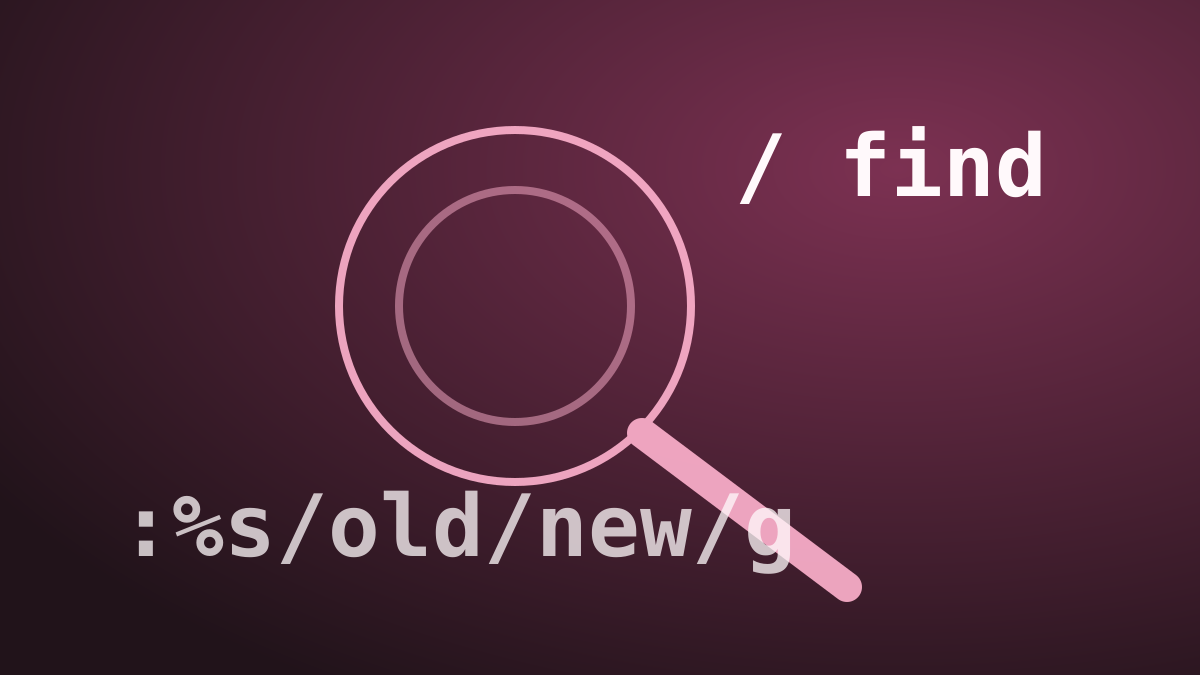
Neovim’s search and replace capabilities are powerful once you know the commands. This article covers basic search, incremental search settings, and running external commands. Search Key Action / Search forward ? Search backward n Jump to next match (downward) N Jump to previous match (upward) Enter Confirm and lock on that line after search Type /searchterm and press Enter. Use n / N to cycle through matches. Incremental Search Settings These Ex commands tweak search behaviour and can be added to your init.lua/init.vim: ...

January 1, 2020 · 2 min · 223 words

Learning Neovim > 3: Insert & Visual Modes

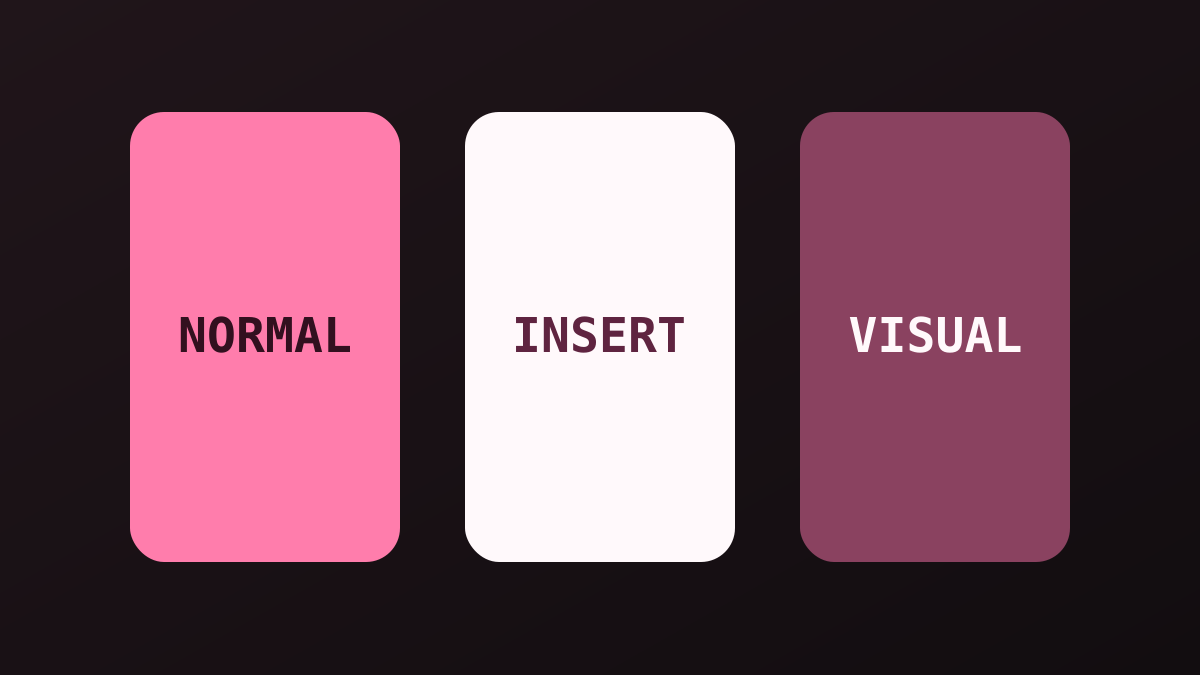
Neovim is a modal editor - every mode has a distinct purpose. This article covers the three modes you’ll use alongside Normal mode: Insert, Visual, and Command. Insert Mode Variants Entering Insert mode is intentional; there are several entry points depending on where you want the cursor: Key Action i Insert before current character a Insert after current character A Append at end of line o Open new line below + enter Insert mode O Open new line above + enter Insert mode Esc Return to Normal mode Visual Mode Visual mode lets you select text before applying an operator. ...

January 1, 2020 · 2 min · 223 words

Learning Neovim > 2: Editing Operators

Neovim’s editing model is built on operators + motions. An operator performs an action (delete, change, yank…), and a motion tells it how far to reach. Delete Key Action dw Delete to start of next word d$ Delete to end of line dd Delete whole line x Delete character under cursor d[motion] Delete + any motion (e.g. d3w, dG) Change Change operators delete text and drop you into Insert mode. ...

January 1, 2020 · 1 min · 188 words