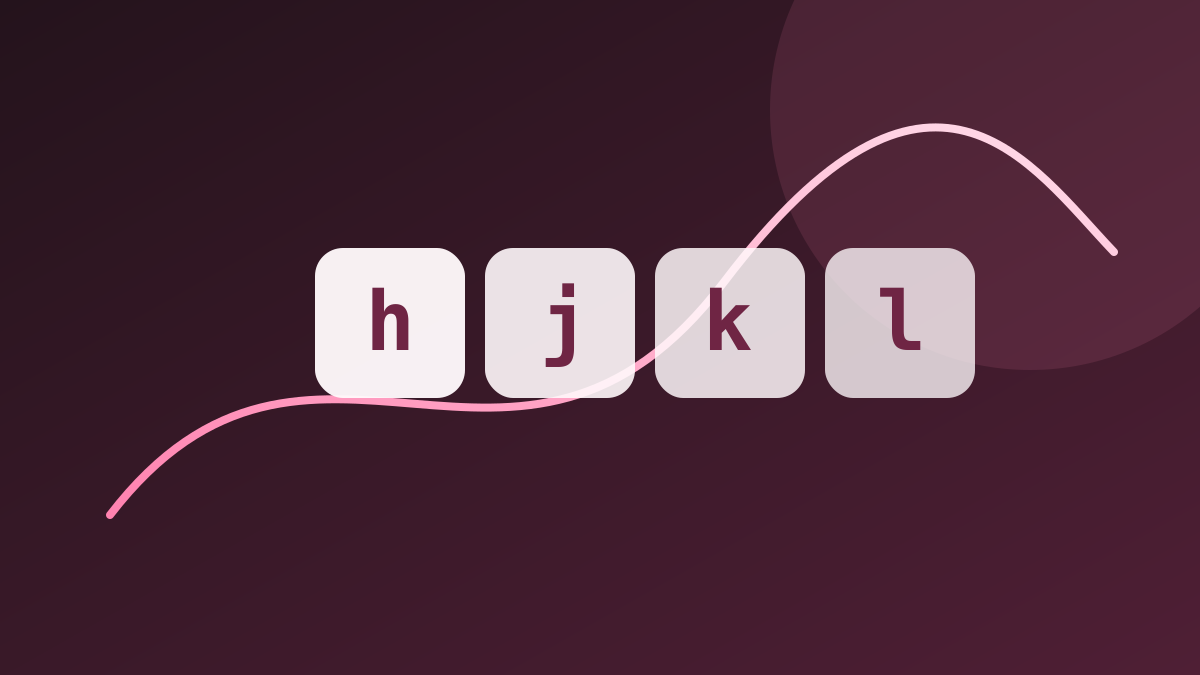
Normal mode is where you spend most of your time in Neovim. Mastering these navigation commands is the single biggest productivity unlock.
Table of contents
On this page
Cursor Movement
| Key | Action |
|---|
h | Move left |
j | Move down |
k | Move up |
l | Move right |
w | Jump to next word start |
e | Jump to end of current/next word |
b | Jump to beginning of word |
$ | Jump to end of line |
0 | Jump to start of line |
Word-Level Navigation
| Key | Action |
|---|
2w | Move 2 words forward |
3e | Jump to end of the 3rd word |
Any motion can be prefixed with a count: [n][motion] repeats the motion n times.
File-Level Navigation
| Key | Action |
|---|
G | Jump to end of file |
gg | Jump to top of file |
Ctrl+G | Show current line info and file position |
[number]G | Jump to a specific line number |