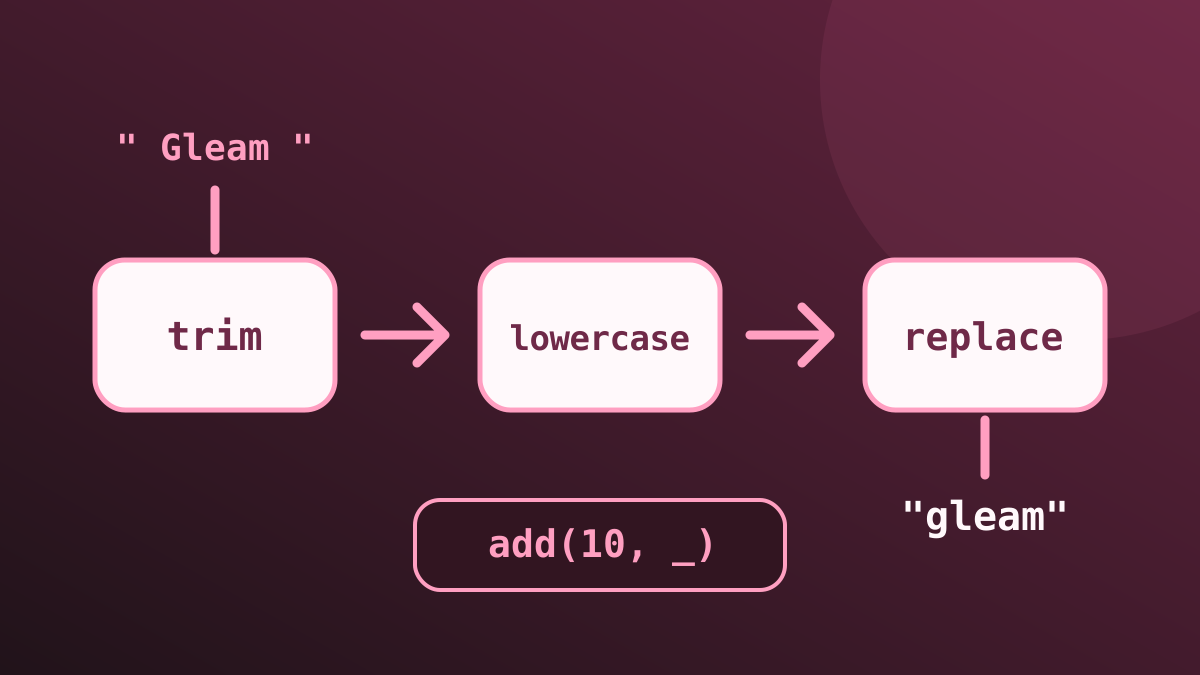
Gleam has first-class functions and a |> operator. That’s enough to make an F# pipeline look comfortable, but there’s one important trap: argument order.
Table of contents
On this page
Currying Isn’t Automatic
In F#, supplying one argument can produce another function:
let add amount value = amount + value
let addTen = add 10

assert (addTen 5 = 15)scratch.fsx
Gleam’s add(10) would be a call with a missing argument, not automatic partial application. Use a closure or a function capture instead:
import gleam/string

fn add(amount: Int, value: Int) -> Int {
  amount + value
}src/learning_gleam.gleam
Inside a function, let add_ten = add(10, _) creates a one-argument function. It’s shorthand for fn(value) { add(10, value) }. A capture has one placeholder. Use an explicit fn when the transformation needs more than that.
Same Pipe, Different Insertion Point
Consider replacing spaces in a label:
let replaceSpaces (text: string) = text.Replace(" ", "-")

let slug =
    "  Gleam Language  ".Trim().ToLowerInvariant()
    |> replaceSpaces

assert (slug = "gleam-language")scratch.fsx
Gleam’s standard library places the string before the replacement arguments:
// shortcut: replaces spaces only, use a slug library for public URLs.
fn slug(text: String) -> String {
  text
  |> string.trim
  |> string.lowercase
  |> string.replace(" ", "-")
}src/learning_gleam.gleam
The last line means string.replace(previous_value, " ", "-"). More generally, value |> function(a, b) becomes function(value, a, b).
In F#, value |> function a b means function a b value for an ordinary curried function. Don’t mechanically preserve argument order when translating a helper.
If the subject really belongs elsewhere, a capture can put it there: 5 |> add(10, _) means add(10, 5).
Generic Functions Still Stay Generic
Gleam uses lowercase type variables where F# writes 'a. Neither means an unchecked dynamic value:
let twice transform value = transform (transform value)

assert (twice ((+) 1) 10 = 12)
assert (twice (fun text -> text + "!") "hello" = "hello!!")scratch.fsx
fn twice(value: a, transform: fn(a) -> a) -> a {
transform(transform(value))
}src/learning_gleam.gleamFor each call, the input, output, and callback must agree on one type. The function can’t silently turn an Int into a String halfway through.
Try It
Replace src/learning_gleam.gleam with the Gleam blocks above and this main, then run gleam run:
pub fn main() -> Nil {
  let add_ten = add(10, _)
  let exclaim = fn(text) { text <> "!" }

  assert add_ten(5) == 15
  assert { 5 |> add(10, _) } == 15
  assert slug("  Gleam Language  ") == "gleam-language"
  assert slug("") == ""
  assert twice(10, add(1, _)) == 12
  assert twice("hello", exclaim) == "hello!!"
}src/learning_gleam.gleam
The slug function is deliberately only a spaces-to-hyphens example, not a general URL slug generator. Its useful lesson is how the data flows, not how to normalise every possible input.
Further reading: pipelines and function captures.